What smart home devices can I install myself in an apartment without any rewiring or drilling?
A renter-friendly guide to the smart home devices you can set up in an apartment with nothing more than a screwdriver, an adhesive strip, or a phone app.
Every useful smart home device worth considering for an apartment installs without rewiring or permanent drilling. Smart plugs, smart bulbs, video doorbells, smart locks, Wi-Fi cameras, leak sensors, and a small hub or voice speaker cover most needs, all run on batteries, plug into existing outlets, or use adhesive mounts, and all come down when the lease ends.
Most smart home devices sold today are built for people who don't own the walls they live in. The category is dominated by battery-powered sensors, plug-in modules, screw-on replacements, and adhesive mounts, none of which require an electrician, a drill, or a permit. For renters, that means a useful setup is realistic, and the whole thing can come down at move-out without leaving marks.
The devices that genuinely need no rewiring or drilling
Each item below fits the renter-friendly test: it installs with a screwdriver, an adhesive strip, or a phone app, and it comes off cleanly when the lease ends.
Start with these renter-friendly upgrades
01
Smart plugs
Sits between a wall outlet and whatever you want to control, a lamp, fan, coffee maker. Setup is plug in, open the app, name the device. Many models include energy monitoring so you can see what a specific appliance costs to run. Most U.S. smart plugs handle up to 15 amps (about 1,800 watts), which rules out most space heaters and window air conditioners on high.
02
Smart bulbs
Swap a regular bulb for a connected one in any fixture with a standard socket. Wi-Fi models pair straight to a phone; Zigbee bulbs (including most Philips Hue products) need a small hub plugged into the router first. One trap: the wall switch must stay on, or the bulb loses power and stops responding. Existing dimmer switches can also cause flicker or buzz with smart bulbs unless the bulb is rated for that dimmer.
03
Video doorbell
A battery-powered doorbell mounts with two pilot holes and a screwdriver, and recharges every few weeks to months depending on activity. If the apartment already has doorbell wiring, the new unit can clip into that low-voltage line (typically 16–24V in the U.S.) and stay charged continuously. Drawing motion zones in the app is the single biggest quality-of-life step, since an unzoned doorbell facing a street alerts you to every passing car.
04
Smart locks
Retrofit models clamp over the existing deadbolt from the inside, which keeps the exterior keyway landlord-friendly. Full-replacement locks swap the whole deadbolt and usually add a keypad. Measure the backset (2-3/8" or 2-3/4" in most U.S. doors) and door thickness before buying, since mismatched measurements are the top reason for returns. Always keep a physical key or backup code, because batteries die and phones get lost.
05
Wi-Fi cameras
Indoor cameras often use an adhesive pad on a shelf or a couple of screws into a wall mount. Battery-powered outdoor cameras mount with screws into a fence post or siding. None of these need low-voltage wiring, although some accept it for continuous power. Before turning on audio recording, check your state's consent rules, since some states require all parties to consent.
06
Sensors that prevent damage
Water leak sensors sit on the floor under a sink, behind a toilet, or by a washing machine and ping your phone at the first sign of moisture. Door and window sensors stick on with adhesive and tell you whether something is open when it shouldn't be. Smoke and CO listeners (the kind that attach to an existing alarm and listen for the beep) are also renter-friendly and don't touch the hardwired alarm the landlord installed.
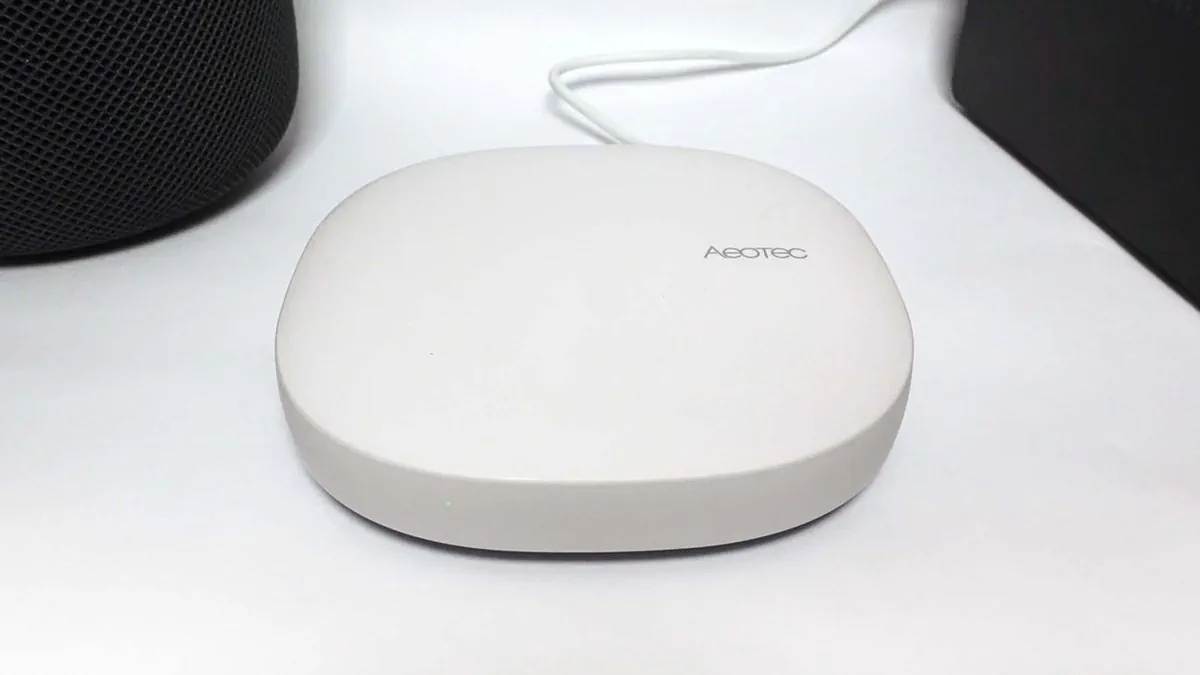
The Aeotec Smart Home Hub is a screenless controller that sits on a shelf and ties Zigbee, Z-Wave, Thread, and Matter devices into a single app.
How to keep the system talking to itself
A small hub or a voice-enabled smart speaker is what turns a pile of devices into a system. For renters, two paths make sense.
Hub and speaker options that fit an apartment
Option
What it does well
Renter tradeoff
Aeotec Smart Home Hub (SmartThings)
Works with Zigbee, Z-Wave, Thread, and Matter; deep routines and automations
No HomeKit support, no battery backup, more complex than a speaker
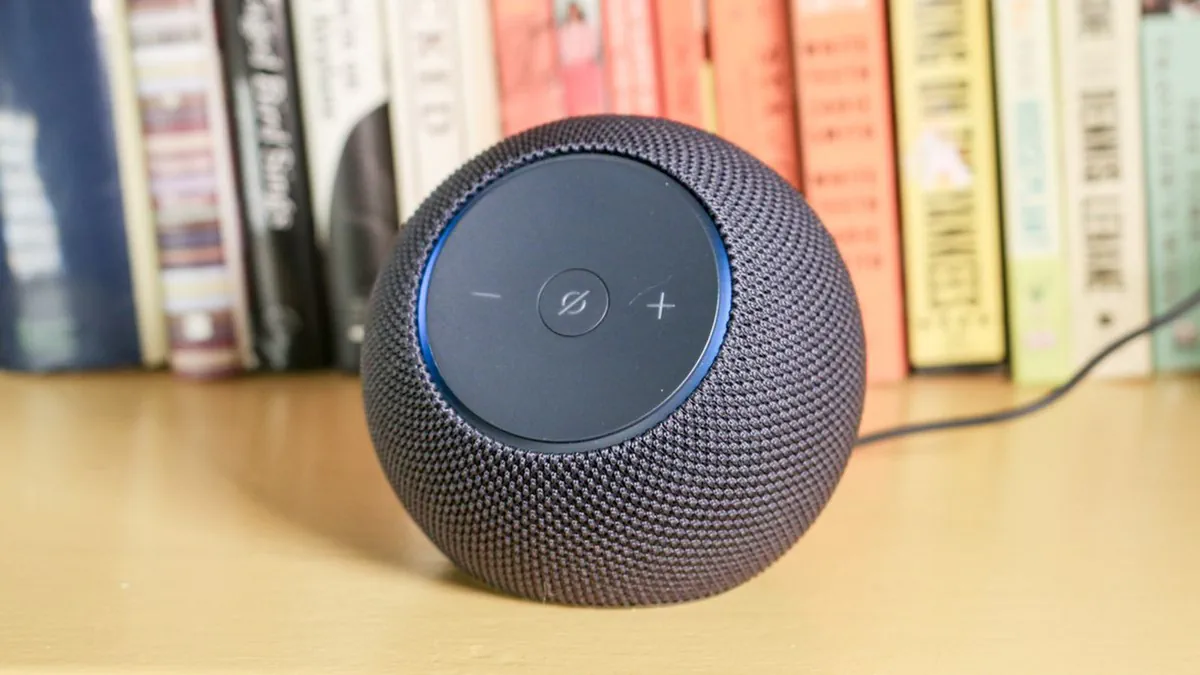
Amazon Echo Dot Max or Echo Dot (5th Gen)
Affordable, supports Matter, voice control via Alexa, doubles as a Wi-Fi extender for eero networks
No Zigbee or Z-Wave on the 5th Gen Dot; relies on Alexa for routines
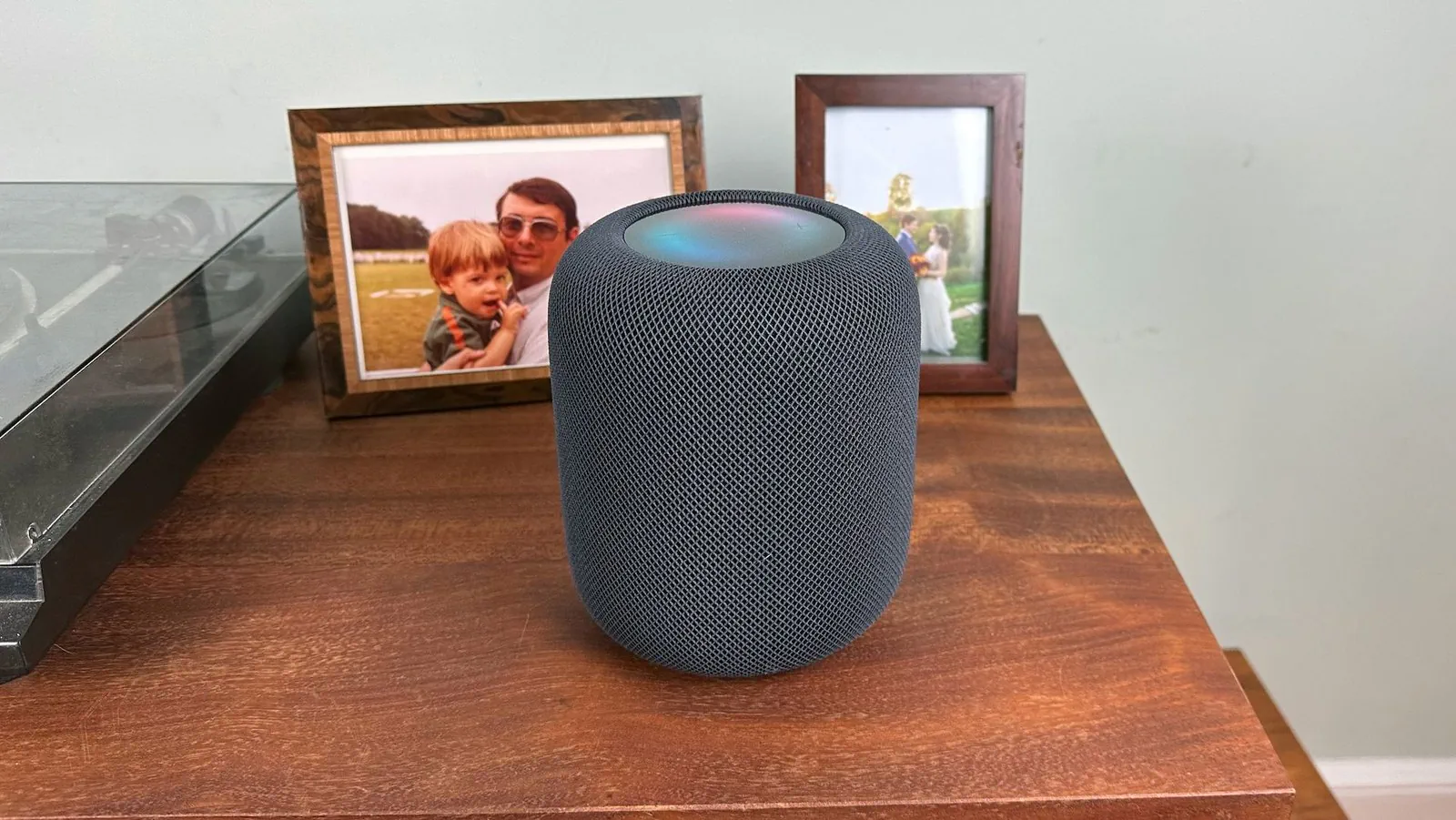
Apple HomePod (2nd Gen)
Tight HomeKit integration, Matter support, built-in temperature and humidity sensors, listens for smoke and CO alarms
Highest price of the group; only useful if you live inside Apple devices
Editor's Choice recognition on hub reviews is one signal that a device has been tested across multiple brands and protocols.The Echo Dot Max on a bookshelf shows how a hub speaker can blend into apartment living space rather than look like networking gear.
What to check before you buy or mount anything
Renter pre-flight checklist
✓
Read the lease on alterations
Most leases prohibit drilling into walls, cabinets, or exterior siding. Adhesive strips and over-the-door mounts usually fall inside what's allowed, but confirm before installing anything that could damage the surface.
✓
Check the door and fixture measurements
Smart locks need the right backset and door thickness. Smart bulbs need a compatible socket type and, ideally, a plain on-off switch rather than an existing dimmer.
✓
Confirm the Wi-Fi signal reaches the device
Video doorbells and outdoor cameras are the most common failure points for weak Wi-Fi. A mesh network or a plug-in extender often solves an apartment's dead zones without any rewiring.
✓
Match the wattage rating
Standard U.S. smart plugs handle around 15 amps or 1,800 watts. Space heaters and window air conditioners on high can exceed that, which is a fire risk and will trip the plug's protection.
✓
Confirm audio recording rules
Doorbell and indoor cameras often record audio. Some states require all-party consent; if you're unsure, disable audio in the app to stay on the safe side.
✓
Plan to take it all with you
Favor retrofit locks over full replacements, adhesive mounts over drilled mounts, and batteries over wiring. The whole setup should survive a move-out with no spackle and no apology email to the landlord.
A simple starter kit for a one-bedroom apartment
What to buy in the first weekend
Two smart bulbs for the main lamps, plus one smart plug for a fan or coffee maker.
One battery-powered video doorbell with motion zones drawn tight to the porch.
Two leak sensors, one under the kitchen sink and one behind the washing machine if there's one in-unit.
One door or window sensor for a balcony door or a storage closet.
One hub or smart speaker that matches your phone ecosystem and supports Matter.
SUMMARY
The bottom line
If you rent, the smart home is essentially a kit of battery-powered, plug-in, or adhesive-mounted gadgets that happen to talk to each other. Smart plugs, bulbs, a video doorbell, a retrofit lock, a camera or two, and a few leak sensors cover nearly every real problem an apartment dweller actually has. Add a hub or smart speaker that matches your phone, and the system becomes something you control with a word instead of a switch. None of it requires an electrician, and all of it should come down cleanly when the lease ends.
Common questions
Before you move on
Do smart home devices actually need an electrician to install?+
No. Nearly every useful consumer smart home device runs on batteries, plugs into an existing outlet, or connects to low-voltage wiring already in place (like doorbell or thermostat wires). Electricians are only needed when you cut into house current, which most renters and many homeowners don't have to do.
Can I install a video doorbell without drilling?+
Sometimes. Battery-powered doorbells can be mounted with heavy-duty adhesive strips on many surfaces, though screws are more secure. If your apartment has existing doorbell wiring, the new doorbell can use that low-voltage line (16–24V in the U.S.) without calling an electrician.
Will a smart lock damage my door or violate my lease?+
A retrofit smart lock clamps over the existing deadbolt from the inside and leaves the exterior keyway untouched, which is usually the most lease-friendly option. A full-replacement lock swaps the entire deadbolt and is easy to reverse, but check your lease before making any change to the door hardware.
Do smart plugs work with space heaters and window air conditioners?+
Often no. Most U.S. smart plugs are rated for around 15 amps or 1,800 watts. Many space heaters and air conditioners on high exceed that, which can trip the plug's protection or create a real safety risk. Use a smart plug only on devices within its rated wattage.
What is Matter and why does it matter for renters?+
Matter is a shared connectivity standard backed by Amazon, Google, Apple, and Samsung that lets devices from different brands work together in one app. For renters, that means you can mix a lock, a bulb, and a camera from different companies without committing to a single ecosystem, which makes it easier to take devices with you when you move.
Do consumer protection rules change if I buy in a local store instead of online?+
Yes. The federal Mail, Internet, or Telephone Order Merchandise Rule generally covers online and shipped orders. If you buy the same device at a store in your state and take it home, your rights come from your state's consumer protection and the store's return policy instead. Manufacturer warranties still apply either way.