Quick Facts
- Optimal Viewing Distance: 20 to 40 inches from the monitor to reduce digital eye strain.
- Space-Saving Hack: A sub-surface keyboard tray can increase usable desktop depth by up to 25%.
- Health Standard: Look for UL GREENGUARD Gold or FSC certifications to comply with 2026 California Energy Code formaldehyde standards.
- Productivity Rhythm: The "20-8-2" rule (20 mins sitting, 8 mins standing, 2 mins moving) is the gold standard for metabolic health.
- Cable Safety: Use the formula $MinCableLength = D_{horiz} + H_{desk,max} - H_{pc,port}$ to prevent equipment damage in sit-stand setups.
In the early 2020s, many of us treated the dining table as a temporary headquarters. However, as we move into 2026, the "improvisational office" has proven to be a recipe for chronic back pain and cognitive fatigue. The challenge today isn't just finding a place to put a laptop; it is solving the Small-Room Ergonomic Paradox: how to fit a medically sound, high-output workspace into a footprint that wasn't designed for one. Designing a functional home office in a small corner requires prioritizing natural light, utilizing pull-out keyboard trays to reclaim precious desk depth, and selecting VOC-free furniture with UL GREENGUARD Gold certification to ensure your sanctuary remains healthy.
The 2026 Health Standard: Beyond the Surface
When I consult on DIY renovations, the first thing I look at isn't the paint color—it’s the chemical makeup of the materials. In 2026, indoor air quality (IAQ) has become a non-negotiable pillar of home design. The updated California Energy Code and global VOC (Volatile Organic Compound) standards now place stricter limits on formaldehyde emissions in composite woods, which are common in "fast-furniture" desks.
If you are tucking an office into a poorly ventilated corner or a converted closet, off-gassing becomes a concentrated health risk. To design a truly "inspiring" space, you must start with a clean foundation:
- Look for the Gold: Seek out furniture with UL GREENGUARD Gold certification. This ensures the piece meets some of the world's most rigorous third-party chemical emissions standards.
- FSC Certified Wood: For those building their own corner desks, ensure your plywood or hardwood is FSC (Forest Stewardship Council) certified, ensuring sustainable sourcing and non-toxic adhesives.
- The "Health-over-Budget" Mindset: While it’s tempting to grab the cheapest particle-board desk, the long-term cost of respiratory irritation and "brain fog" from poor IAQ is far higher.
Identifying Your Productive Nook
Scouting your home for the perfect "third space" requires a bit of imagination. We are looking for "dead zones" that can be reclaimed. Think about underutilized windowsills, the end of a wide hallway, or even a "cloffice" (closet-office) conversion.
When selecting your corner, the Natural Light Rule is your best friend. Positioning your desk near a window isn't just about the view; it’s about regulating your circadian rhythm and boosting serotonin. However, avoid placing your back directly to a window to prevent screen glare. Instead, aim for a perpendicular setup where the light hits the side of your workspace.
Establishing psychological boundaries is equally important. Even in a small room, use "Visual Separation" to signal to your brain that it is time to work. This can be achieved through a change in wall color (a "power nook" accent wall), a tall potted plant, or a different floor texture like a dedicated rug.
Engineering the Workspace: Ergonomics in Tight Spots
Standard desks are often 24 to 30 inches deep. In a small corner, that footprint can swallow the room. This is where engineering comes into play. You don't need a massive desk; you need a smart one.
The Footprint Solution
For tight corners, I recommend a compact 40-inch electric standing desk frame. Many DIYers make the mistake of buying a full-sized desk and then feeling cramped. A 40-inch frame provides enough stability for a sit-stand transition without dominating the room. If a new desk isn't in the budget, a high-quality sit-stand converter can work, but be mindful of the added height it places on your monitor.
Reclaiming Depth with Keyboard Trays
Our 2026 ergonomic analysis indicates that using a sub-surface keyboard tray can increase usable desktop depth by up to 25%. By moving the keyboard and mouse off the main surface, you can push your monitor back further, which is essential for meeting OSHA viewing distance guidelines.
The 20-40 Rule
In small rooms, we often sit too close to our screens. For optimal ergonomics, maintain a monitor viewing distance of 20 to 40 inches. If your desk is only 18 inches deep, you must use a monitor arm and a keyboard tray to achieve this distance. This prevents "Computer Vision Syndrome" and helps maintain a neutral spinal position.
Pro Tip: Don't forget your feet. If you are shorter, your feet might dangle when your chair is at the correct height for your desk. An adjustable footstool is not a luxury; it’s a circulatory necessity to prevent lower-body fatigue.
Lighting and Visual Comfort
We have moved away from the harsh, overhead fluorescent lighting of the traditional office. In 2026, the goal is Layered Lighting. This involves combining natural light with adjustable task lamps and soft ambient light.
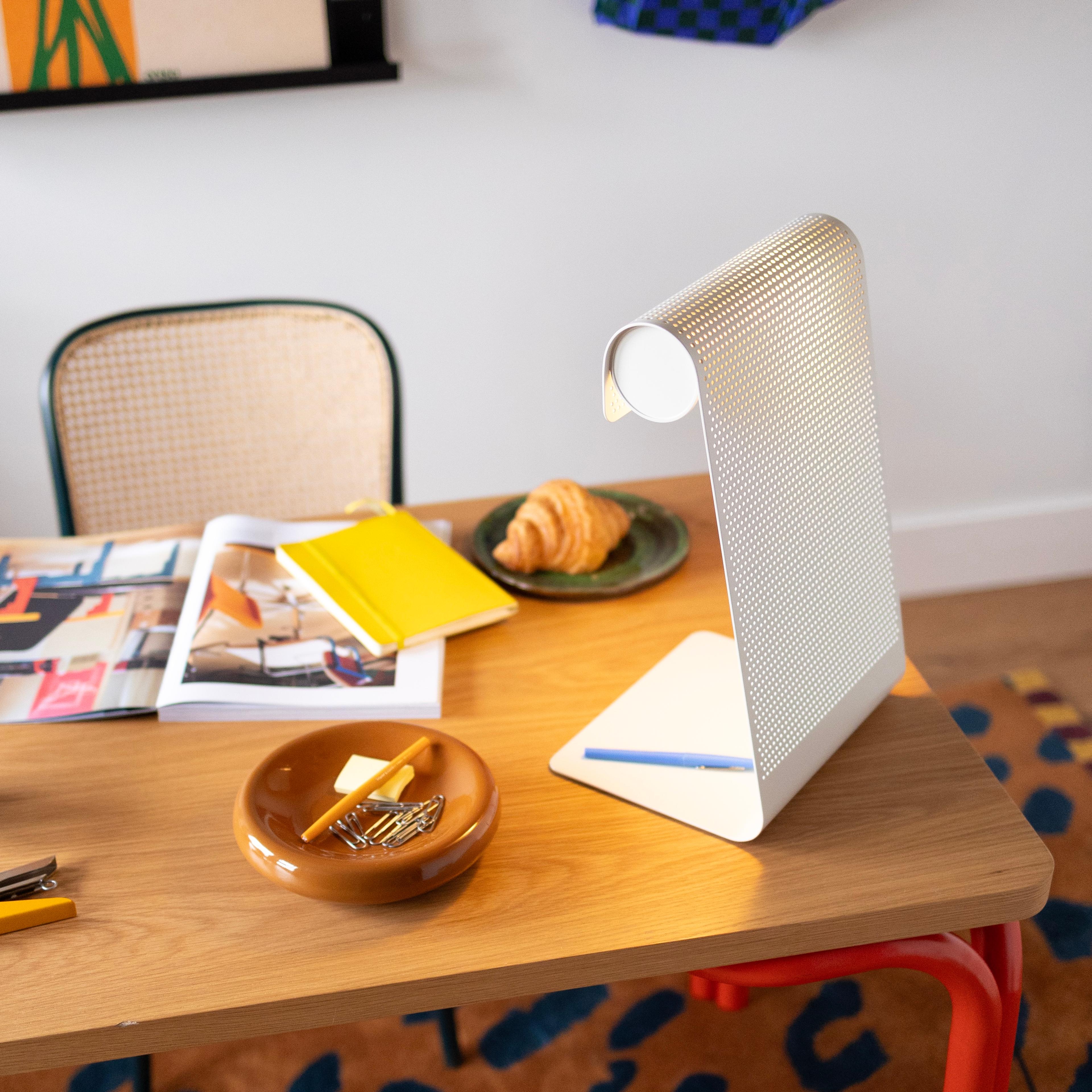
Direct overhead light creates "hot spots" on your screen and shadows on your keyboard. Instead, use an adjustable task lamp with a high Color Rendering Index (CRI). Position the lamp on the side opposite your dominant hand to minimize shadows while writing or typing.
The Mechanical 'System': Cable and Tech Management
A DIY project isn't finished until the "guts" are organized. In a small corner office, "visual noise"—the tangle of black wires behind your desk—can actually increase stress levels. Furthermore, in a sit-stand setup, poorly managed cables are a safety hazard; they can snag, pull devices off the desk, or even fray over time.
To ensure safety and a clean aesthetic, use the Cable Slack Formula: $$MinCableLength = D_{horiz} + H_{desk,max} - H_{pc,port}$$ Where $D_{horiz}$ is the horizontal distance to the outlet and $H_{desk,max}$ is the height of the desk at its highest standing position.
Use magnetic cable ties and an under-desk cable tray to keep everything off the floor. This makes cleaning easier and keeps the "nook" feeling like a curated space rather than a server room.
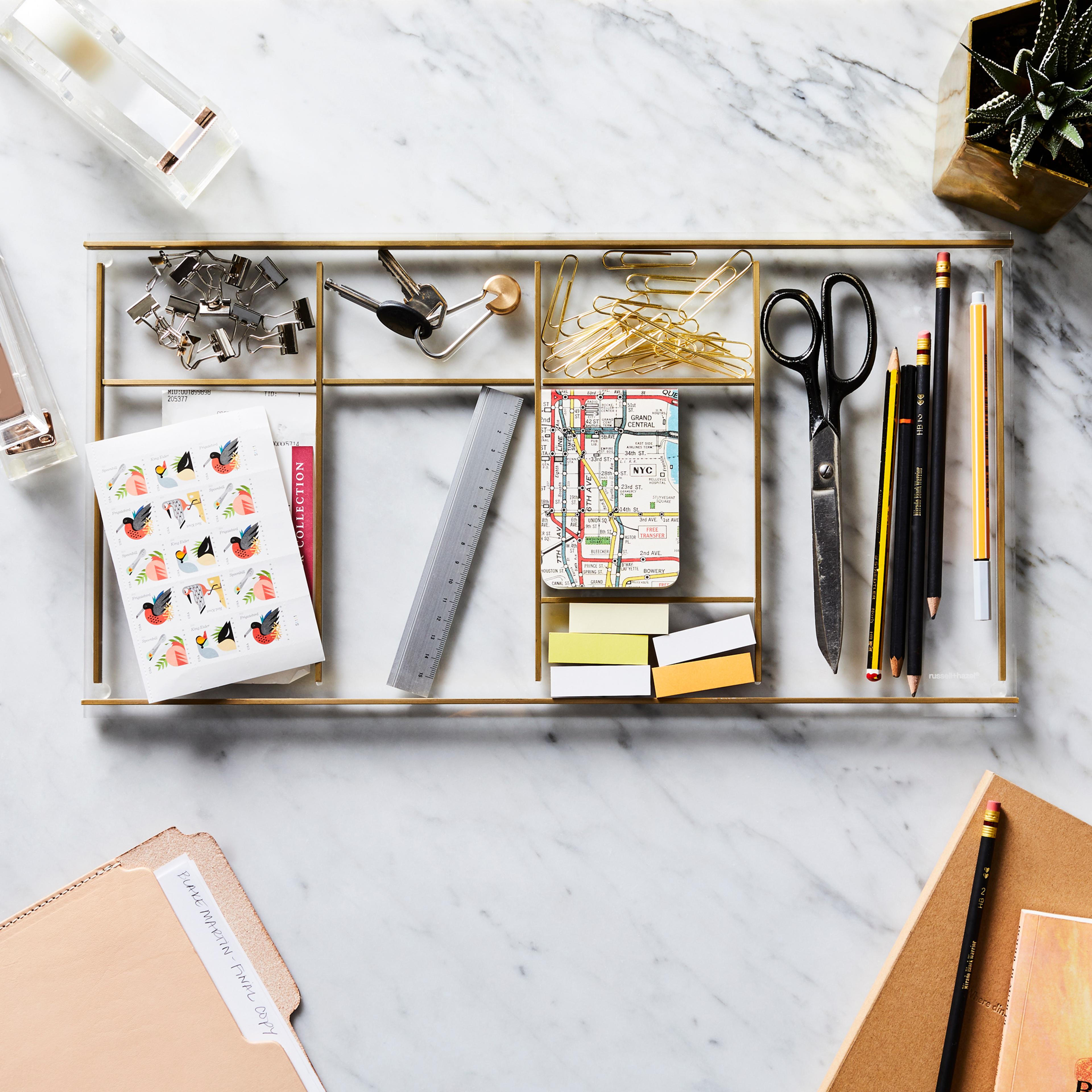
Inspiring Design: Softening the Professional Edge
A functional office doesn't have to look like a cubicle. The "Styled Desk" approach bridges the gap between professional utility and home comfort. As a DIY editor, I always suggest "Texture Layering."
Add a plush rug under your chair (ensure it's low-pile so your wheels can still roll) to dampen sound—crucial for those Zoom calls in small, echoey rooms. Introduce organic elements: a small terracotta pot with a snake plant (great for low light and air purification) or a beeswax candle to ground your senses.
The 20-8-2 Productivity Rhythm
Research from Cornell University suggests that the most productive workers don't sit all day. They follow a movement heuristic:
- 20 minutes of sitting in a neutral position.
- 8 minutes of standing.
- 2 minutes of moving/stretching.
Integrating this into your design means ensuring your transition from sitting to standing is seamless—no moving heavy monitors or clearing clutter just to change heights.
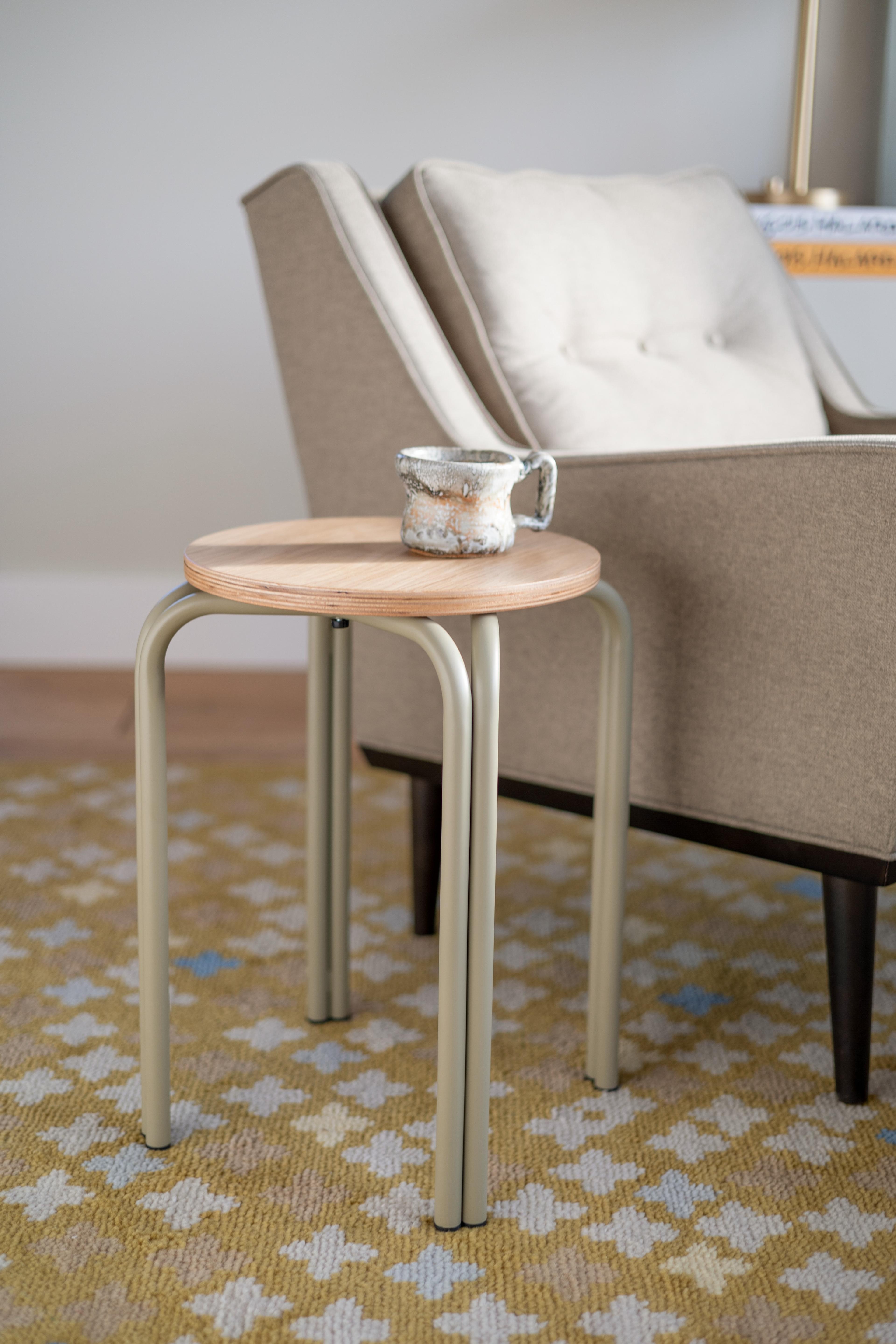
Budgeting for a 2026 Ergonomic System
Designing a high-performance corner doesn't require a five-figure renovation. However, it does require moving away from "disposable" furniture. Research shows that workers utilizing dedicated ergonomic setups report significantly higher comfort levels than those using improvised dining-table workstations.
Below is a breakdown of a "Mid-Range Professional" investment for a 2026-compliant corner office.
| Component | DIY/Budget Choice | 2026 Pro Standard | Estimated Cost (Pro) |
|---|---|---|---|
| Desk Base | Manual Crank | 40" Dual-Motor Electric | $280 - $350 |
| Surface | Standard Melamine | FSC-Certified Solid Wood | $120 - $200 |
| Key Accessory | Wrist Rest | Sub-surface Keyboard Tray | $60 - $90 |
| Lighting | Floor Lamp | CRI 95+ Adjustable Task Lamp | $50 - $120 |
| Management | Plastic Zip Ties | Magnetic Tray & Slack System | $30 - $50 |
| Total | ~$250 | Fully Ergonomic System | $540 - $810 |
While the initial investment is higher than a standard flat-pack desk, the longevity and health benefits make it the smarter financial move over a five-year horizon.
FAQ
Q: I only have a closet to work with. How do I handle ventilation? A: IAQ is critical in small spaces. If you’re in a closet, leave the door open during work hours or install a small, quiet HEPA air purifier. Ensure all furniture is GREENGUARD Gold certified to minimize the chemicals you are breathing in that confined space.
Q: Can I use a dining chair if I add a lumbar pillow? A: For an hour or two, yes. For an 8-hour workday, no. Dining chairs lack the "waterfall" front edge and adjustable height necessary to maintain circulation in your legs and a neutral pelvis. If space is tight, look for a "drafting stool" or a compact ergonomic task chair.
Q: How do I stop my monitor from wobbling on a small standing desk? A: This is common with 2-leg frames. To minimize wobble, ensure your monitor is mounted on a high-quality gas-spring arm and that the desk's heaviest equipment (the computer tower or UPS) is placed near the legs rather than in the center of the span.
Conclusion
Designing a home office in a corner is a puzzle of geometry, health, and personal style. By prioritizing the 2026 standards—non-toxic materials, calculated ergonomic distances, and layered lighting—you transform a "leftover space" into a high-performance engine for your career. Remember, the goal of a DIY home improvement project isn't just to make the room look better; it’s to make your life in that room better. Start with the foundation of safety and ergonomics, and let the inspiration follow.